Student workspace
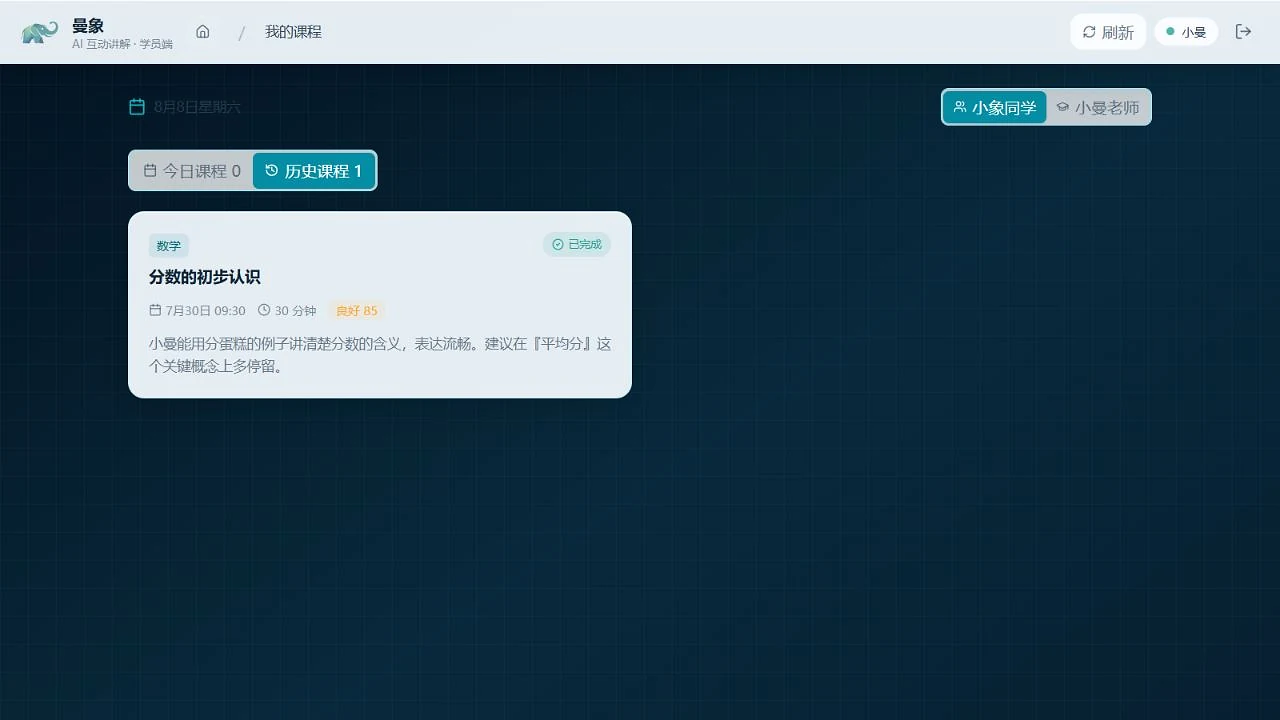
Join lessons, talk with AI, use the whiteboard, import learning materials and complete classroom tasks.
Open student app ↗AI CREATOR COMMUNITY · GLOBAL YOUTH
Manxiang connects project-based learning with an AI interactive classroom, so young people can ask better questions, make things, test ideas and explain what they learned.
 AI · CREATION · GLOBAL YOUTH
01 / THE MANXIANG ECOSYSTEM
Students, families and organizations each have a clear entrance, while the learning process stays connected.
Join lessons, talk with AI, use the whiteboard, import learning materials and complete classroom tasks.
Open student app ↗See schedules, in-progress lessons, saved classroom records, recordings and post-class reports.
Open parent portal ↗Manage roles, students, families, staff, courses, schedules and classroom content.
Open admin portal ↗02 / AI INTERACTIVE CLASSROOM
Students can listen, speak, look, write and bring materials into the lesson. AI supports explanation, questions and feedback around the current task. Results depend on the device, network and classroom content.
03 / FOR FAMILIES
Topics, interactions and saved learning content can be reviewed by the linked parent account.
Recordings become available after recording and upload processing is complete.
Post-class reports summarize the lesson and suggested next steps when processing is complete.
04 / DEVICES & DOWNLOADS
Windows and Android tablet packages are available in this preview. iPad is supported through the web student app.
Open web student app ↗05 / PROGRAMS & EVENTS
Program dates, fees, mentors, places, registration and results must be confirmed by the final official notice.
A project-based experience around questioning, judgment, transfer, creation and expression.
View program ↗Start with a real problem, collaborate on a prototype, test it and present what you made.
View event ↗06 / TRUST & DATA
Read the available preview documents. The final legal text and operating entity details must be confirmed before publication.
How account, classroom and device information may be handled.
Read privacy policy ↗Basic expectations for students, families and organizations.
Read user agreement ↗How classroom records, recordings and reports move through the system.
Read data notes ↗